
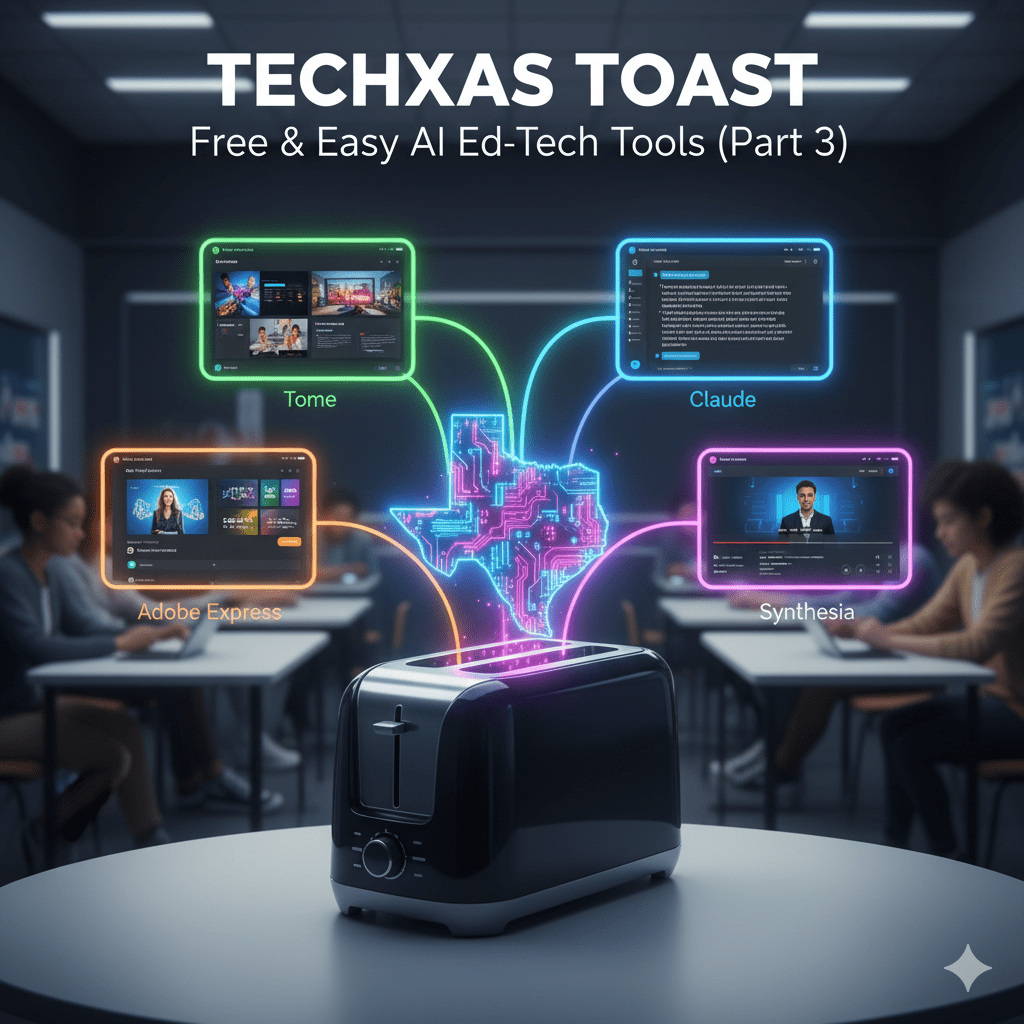
Welcome back, TECHxas Toast readers!
I’m thrilled to bring you yet another installment of favorite tools!
Here are four more AI tools that offer unique functionalities to simplify your work, engage your students, and enhance your instructional design – all without breaking the bank!
1. Tome
Tome is an AI-powered storytelling and presentation tool that can quickly turn your ideas or existing documents into compelling, visually rich presentations. It’s like having a design assistant and a content strategist rolled into one.
- What it is: A platform that uses AI to generate entire presentations, reports, and narratives from text prompts or by intelligently transforming existing documents.
- Why it’s useful: Imagine needing a quick, engaging presentation for a new unit, a summary of a complex topic for students, or even helping students build their own presentations. Tome can take your text outline and create slides with appropriate layouts, visuals, and even generate additional text to fill out sections. It’s fantastic for teachers who want to create professional-looking materials in minutes, or for students to develop compelling presentations without getting bogged down in design details.
2. Claude (by Anthropic)
While similar to ChatGPT and Gemini, Claude offers a distinct personality and often excels in specific areas, making it a valuable addition to your AI toolkit, especially for more nuanced or longer-form text generation.
- What it is: A large language model developed by Anthropic, known for its strong performance on complex reasoning tasks, longer context windows (meaning it can remember more of your conversation), and generally producing more “helpful, harmless, and honest” outputs.
- Why it’s useful: For educators, Claude can be excellent for drafting longer texts, such as detailed lesson plans, comprehensive emails to parents, or even initial drafts of grant proposals. Its ability to maintain context over longer conversations means you can refine ideas more deeply without the AI “forgetting” earlier instructions. It’s also great for generating creative writing prompts that require a nuanced understanding of a topic or for summarizing lengthy research papers.
3. Adobe Express (with AI Features)
Adobe Express is a versatile graphic design app that has increasingly integrated AI-powered “Magic Features” to simplify complex design tasks, making it highly accessible for educators and students who need visual content.
- What it is: A user-friendly, web-based design platform (similar to Canva but with Adobe’s powerful underlying tech) that includes AI features for quick image generation, text effects, background removal, and more.
- Why it’s useful: For creating visually stunning classroom materials, social media posts for school events, or even helping students with their project presentations, Adobe Express is a powerhouse. Its AI features can quickly generate unique images from text prompts (text-to-image), remove backgrounds from photos with one click, or apply creative text styles, all of which traditionally required complex design skills. It allows teachers and students to produce professional-quality visuals with ease, making content more engaging and memorable.
4. Synthesia (Advanced Trial/Free Tier Exploration)
While we briefly mentioned Synthesia’s free trial for its ability to generate presenter-led videos, it deserves a closer look as an advanced, yet accessible, AI tool that showcases the future of content creation.
- What it is: A platform that creates hyper-realistic AI-generated videos from text scripts, using diverse AI avatars and voices. The free version typically allows for a short demo video.
- Why it’s useful: Even a short free trial can be incredibly insightful. Imagine creating a short instructional video with a consistent “presenter” for a flipped classroom model, an AI avatar explaining a concept for an absent student, or even a virtual “news reporter” delivering historical facts. For students, it’s a fascinating way to explore presentation beyond traditional slides, allowing them to create engaging video explanations or pitches without the need for cameras, studios, or acting experience. It offers a glimpse into high-production value content creation made simple by AI.
The world of AI in education continues to expand at an astonishing pace, bringing with it an ever-growing array of tools designed to support, inspire, and empower. By integrating these free and easy-to-use platforms, you’re not just saving time; you’re opening up new avenues for creativity, personalization, and truly engaging learning experiences.
What new AI tools have you discovered lately? Share your finds in the comments below!
Note: This blog post was written with the assistance of Gemini, an AI language model.
 TECHxas Toast
Leave a comment