
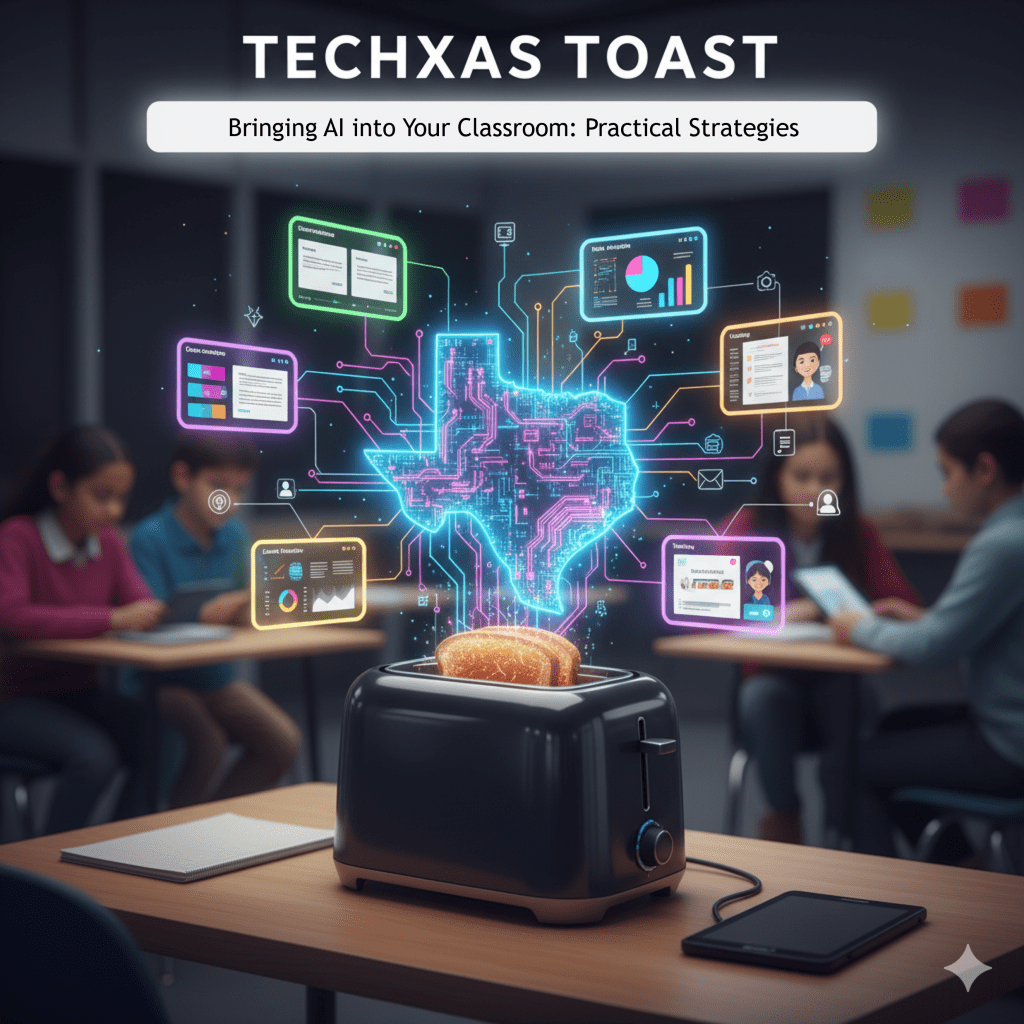
Welcome to TECHxas Toast, where we’re brewing up innovative ideas for your classroom!
It’s one thing to know about AI, and another to seamlessly integrate it to genuinely enhance student learning and streamline your workload. Fear not! Today, we’re diving into practical strategies to make AI a powerful ally in your teaching journey.
AI for Lesson Planning & Content Creation
This is often the easiest entry point for educators. AI can be an incredible brainstorming partner and content generator.
- Brainstorming Buddy: Stuck on a lesson idea? Use tools like ChatGPT/Gemini or MagicSchool AI to generate fresh ideas for activities, discussion questions, or even entire unit outlines based on your topic and grade level.
- Prompt Example: “Act as a 7th-grade history teacher. Brainstorm five creative project ideas for a unit on Ancient Rome that encourage collaboration and critical thinking.”
- Drafting & Outlining: Need a quick outline for a new topic? AI can create initial drafts for lesson plans, lecture notes, or even rubrics, giving you a solid starting point that you then refine.
- Resource Curation & Differentiation: Tools like Diffit are magic here. Take a complex article and instantly generate simplified versions, vocabulary lists, or comprehension questions tailored to different reading levels or even different languages. This makes content accessible to all your learners.
- Visual & Audio Aids: Canva’s Magic Studio can generate custom images for your presentations or worksheets. Suno can help students create songs about concepts, while Speechify can turn any text into audio for auditory learners or those with reading challenges.
AI for Differentiation & Personalized Learning
One of AI’s greatest strengths is its ability to adapt. Leverage this to meet individual student needs.
- Adaptive Practice: While many platforms have this built-in, you can use general AI tools to create varied practice. Ask for “5 easy practice questions on fractions” and then “5 challenge questions on fractions” to cater to diverse skill levels.
- Targeted Feedback (Teacher-Assisted): Use tools like Brisk Teaching (integrated with Google Docs) or ChatGPT/Gemini to help you draft more specific and actionable feedback on student writing or projects. Remember, AI drafts, you personalize and finalize!
- Prompt Example: “Review this student’s paragraph about the water cycle. Provide constructive feedback that focuses on clarity of explanation and use of scientific vocabulary. Do not re-write the paragraph.”
AI for Student Engagement & Project-Based Learning
Get your students using AI creatively (and responsibly!) to enhance their projects.
- Creative Writing & Storytelling: Students can use ChatGPT/Gemini to brainstorm plot ideas, develop characters, or even get inspiration for different writing styles. For example, “Help me brainstorm three different endings for a sci-fi story about a rogue AI.”
- Research & Information Synthesis: Tools like Perplexity AI can help students quickly find answers with sources, teaching them to verify information. Encourage them to summarize findings and explain concepts in their own words, rather than just copying.
- Multimedia Projects: Suno for music, Canva’s Magic Studio for visuals, or even a trial of Synthesia for an AI-generated presenter can add incredible layers to student presentations and reports.
Managing AI in Your Classroom
- Start Small: Don’t try to implement every tool at once. Pick one or two areas where you feel AI can make the most immediate impact (e.g., lesson planning, differentiation) and build from there.
- Model Responsible Use: If students are using AI, explicitly teach them how to use it as a co-pilot, not a replacement for their own thinking. Discuss appropriate use, citation, and critical evaluation of AI outputs.
- Focus on Higher-Order Thinking: Use AI to handle the lower-level tasks (information gathering, drafting) so students (and you!) can focus on analysis, synthesis, creativity, and critical evaluation.
Bringing AI into your classroom is an exciting journey. It’s about augmenting human intelligence, not replacing it. By strategically integrating these tools, you can create more dynamic, personalized, and effective learning environments for all your students, while also reclaiming some of your valuable time.
What are your first steps for incorporating AI? Share your ideas in the comments!
Note: This blog post was written with the assistance of Gemini, an AI language model.
 TECHxas Toast
Leave a comment